“I want to connect my watch or heart rate strap”
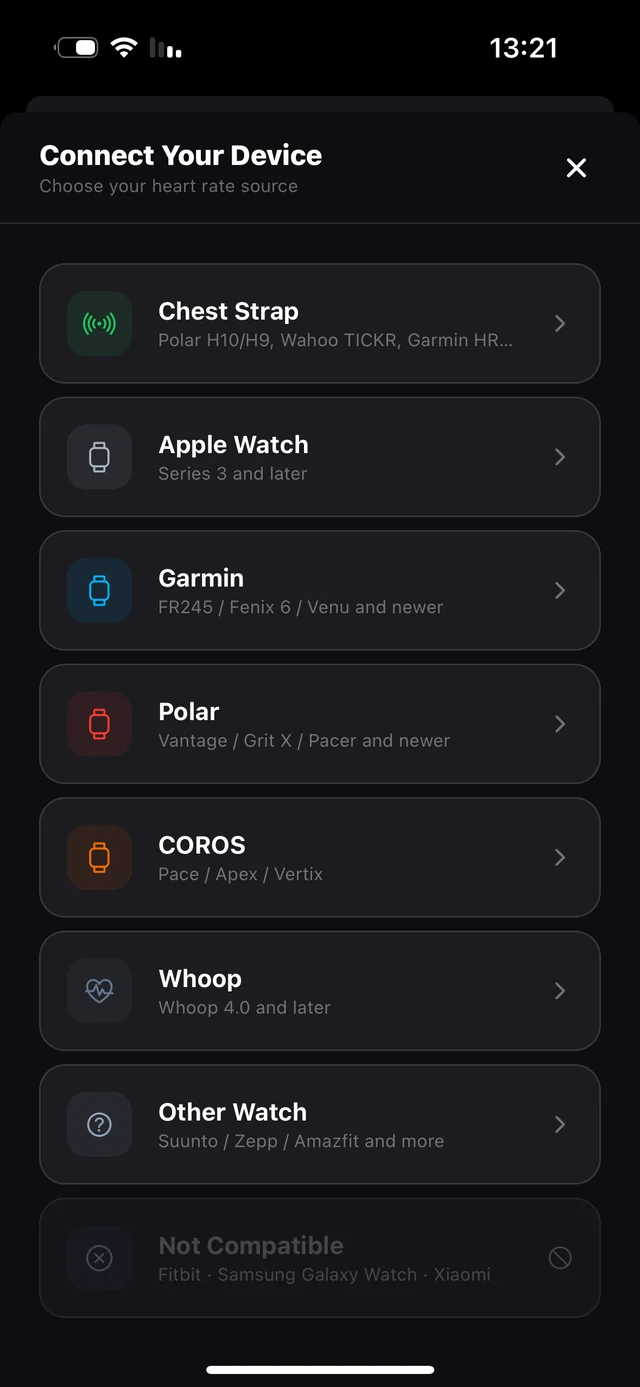
FLUX reads heart rate over Bluetooth from Garmin, Polar, COROS, Whoop and any chest strap. Each one has its own guide inside the app, because each one connects differently.
- Open Connect Your Device from the dashboard.
- Tap your device from the list.
- Follow the steps on screen — they're written per device.
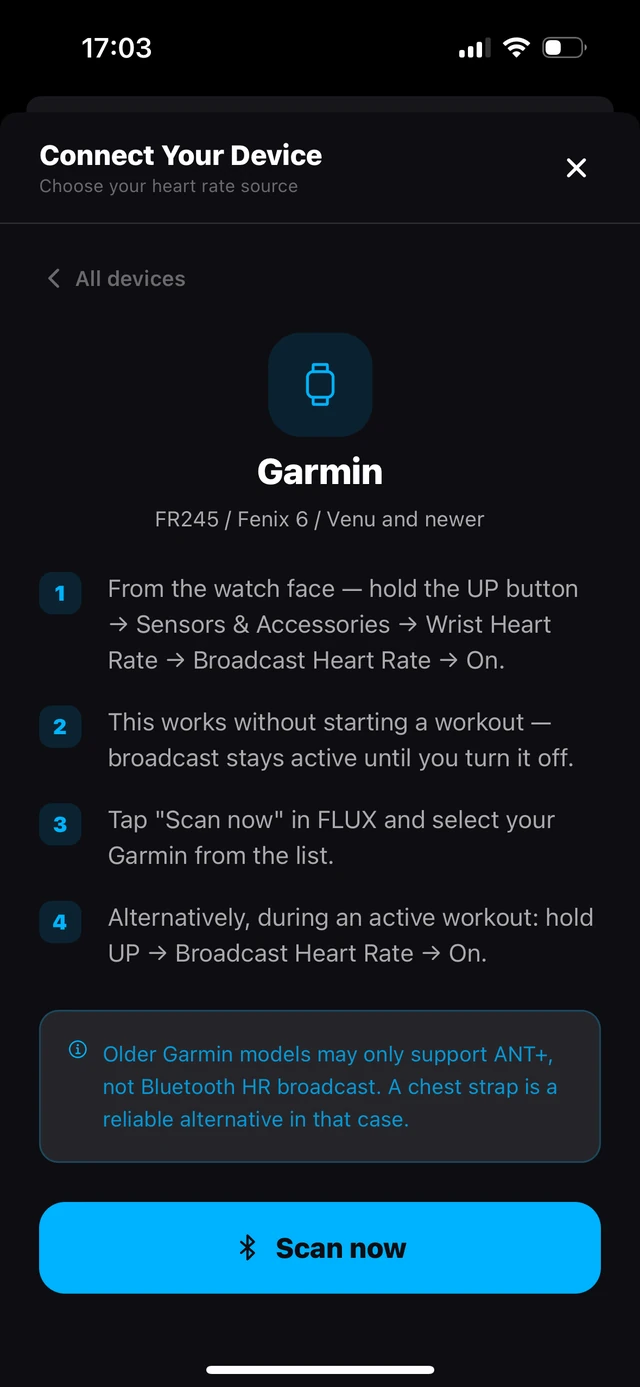
- For a chest strap or Garmin, put it on first, then tap Scan so it's broadcasting when FLUX looks for it.
On an Apple Watch? iOS only syncs your watch's heart rate to your iPhone every so often, so it can lag behind your effort — an Apple limitation no app can bypass. Two ways around it: run by cadence (nothing to install), or put a heart-rate broadcast app on your watch and pair it under Heart Rate Monitor.
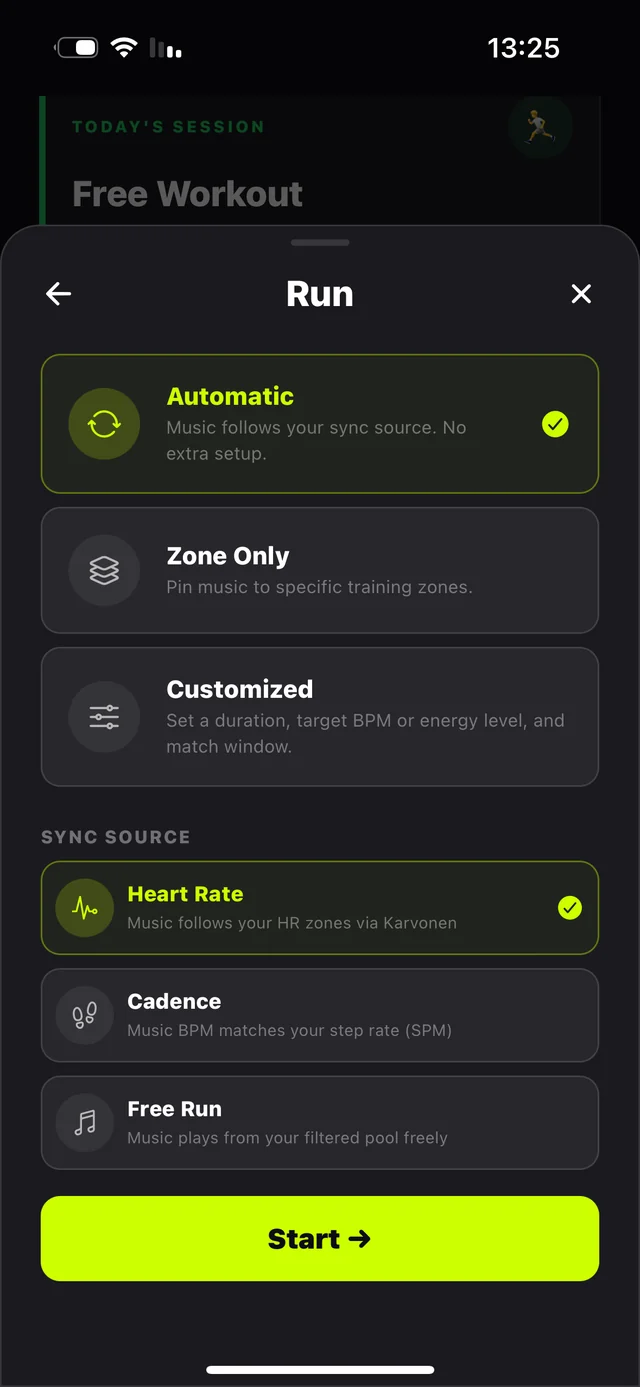
Nothing to connect? Skip it. FLUX will track your cadence from your phone instead and match music to your stride.
On a Garmin? Two switches to know
1 · Broadcast Heart Rate — the watch only transmits after you turn it on. Hold the top button (Venu and other touch models) or hold LIGHT (Forerunner / Fēnix) to open the controls menu → tap Broadcast Heart Rate. The screen turns red — you're live. Then tap Scan in FLUX.
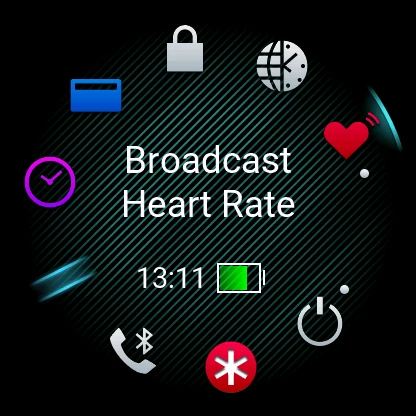
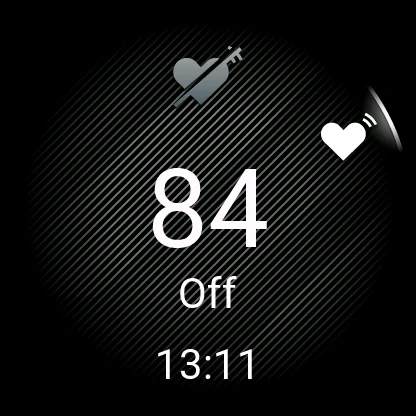
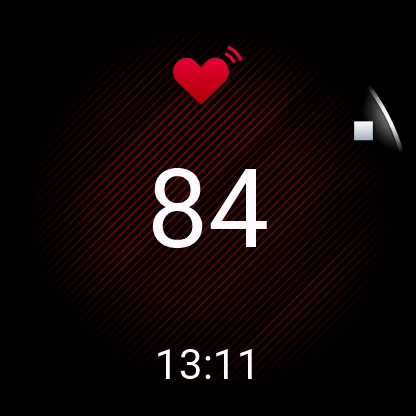
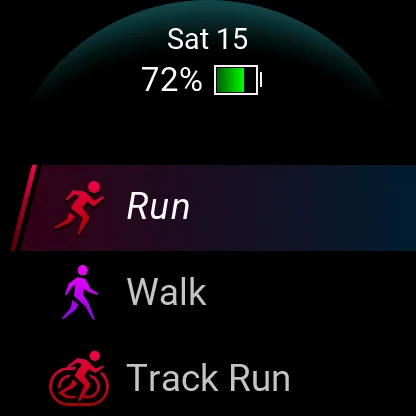
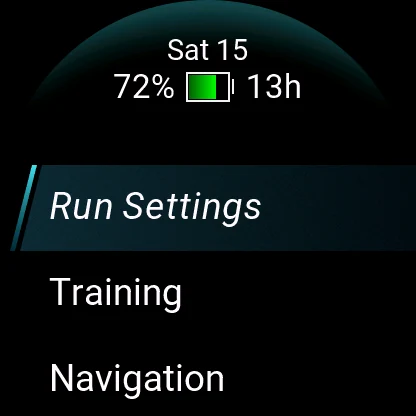
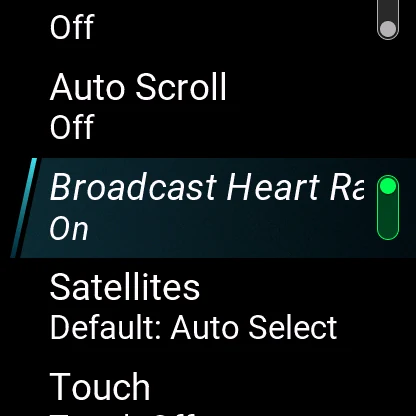
2 · Recording the run on the Garmin too? Starting an activity stops the regular broadcast. Pick Run, then on the ready screen swipe up (or press UP / MENU on button models) → Run Settings → turn on Broadcast Heart Rate. One time — it sticks for every run.