❤ I want to use my Apple Watch
Why it's different: iOS syncs your watch's heart rate to your iPhone only every so often, so it lags well behind your real effort. That's an Apple limitation — no iPhone app can bypass it. So FLUX doesn't pretend to read it live. Two ways to get real-time sync instead:
- Run by cadence — nothing to install. FLUX reads your stride rate from your phone and matches the music to it, live.
- Or broadcast your heart rate — install a heart-rate broadcast app on your watch (e.g. HeartCast), start broadcasting, then pair it in FLUX under Heart Rate Monitor like any Bluetooth sensor.
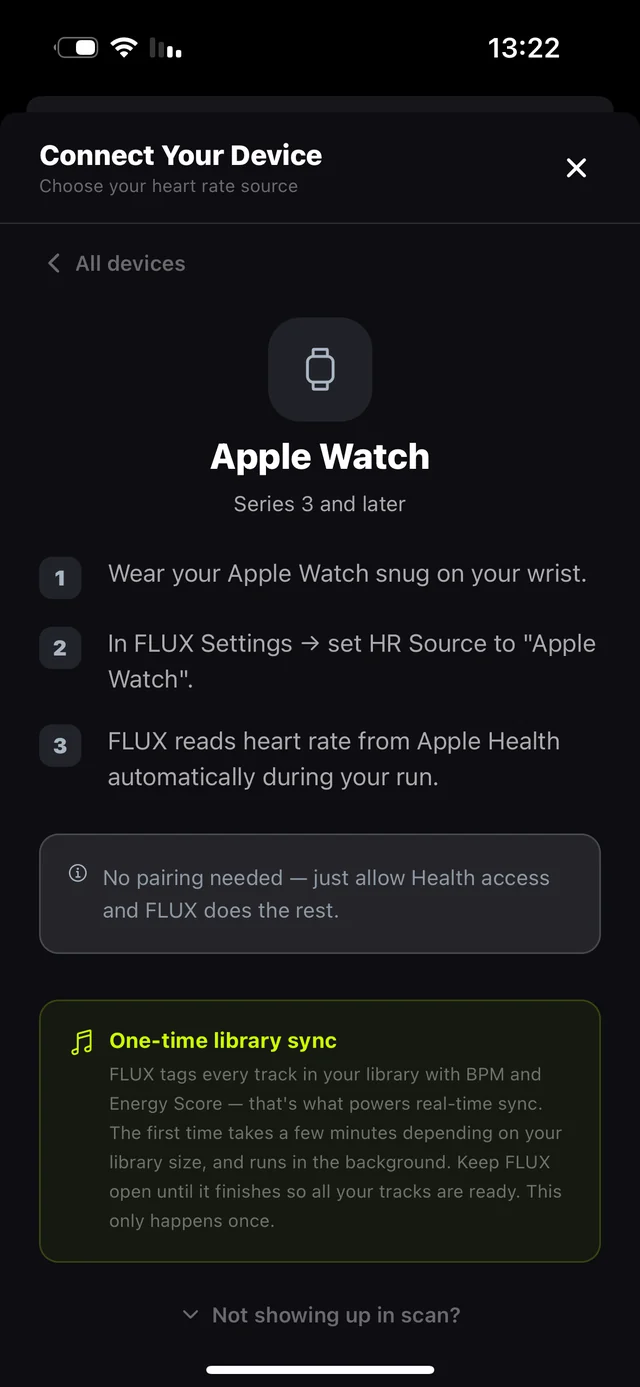
Want zero-lag heart rate with no workarounds? A Bluetooth chest strap streams directly to FLUX in about a second — the fastest option there is.
📡 My sensor doesn't show up in the scan
Why it happens: most sensors only broadcast when they're on your body — and Garmin watches only broadcast after you turn it on, on the watch itself.
- Wear it first. A chest strap starts broadcasting after skin contact — wet the electrodes a little.
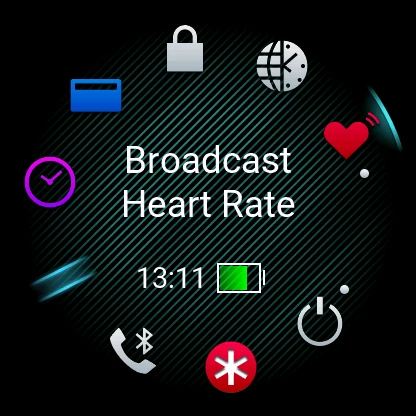
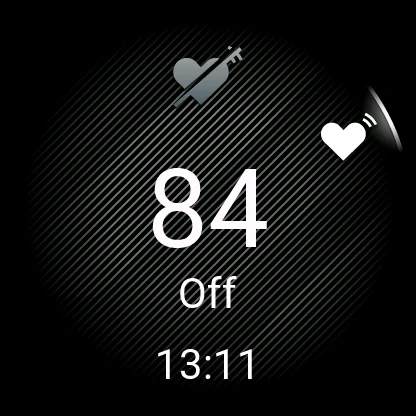
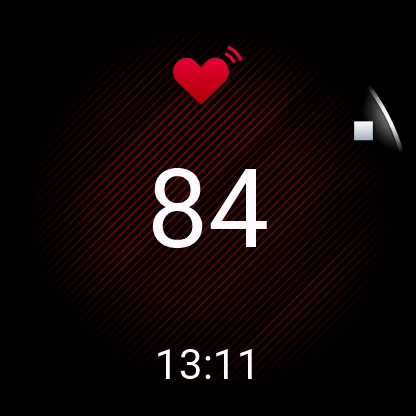
- On a Garmin: open the controls menu — hold the top button (Venu and other touch models) or hold LIGHT (Forerunner / Fēnix). Find Broadcast Heart Rate and tap it. The screen turns red with a heart icon — you're live.
- Now tap Scan in FLUX. Your sensor appears.
🔌 My Garmin connects — then drops when I start my run
Why it happens: the sneakiest one on this list. When you start an activity on the Garmin (to record the run there too), the watch stops the regular broadcast — unless a separate setting says otherwise.
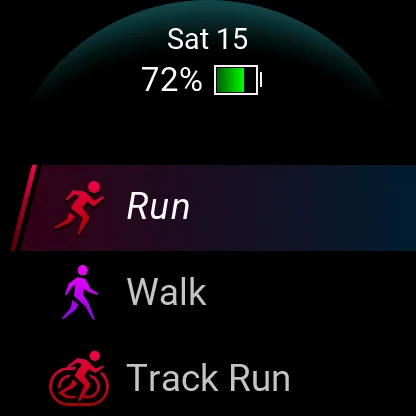
- On the watch, pick your activity (e.g. Run). On the ready screen, swipe up (touch models) or press UP / MENU (button models) to open the options.
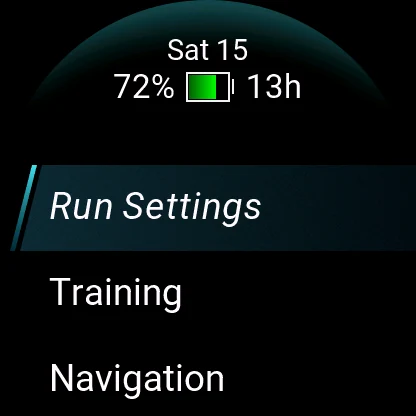
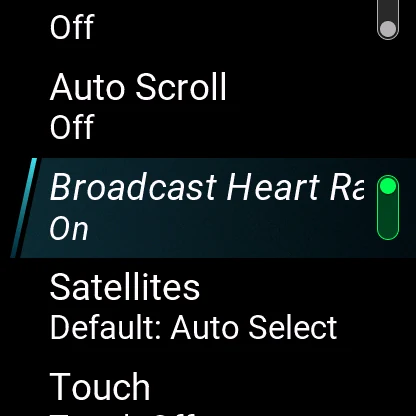
- Open Run Settings and scroll to Broadcast Heart Rate.
- Switch it On. From now on, starting a run on the Garmin keeps broadcasting to FLUX at the same time.
Only recording your runs in FLUX? Then you don't need this — the regular broadcast keeps going as long as you don't start an activity on the watch.
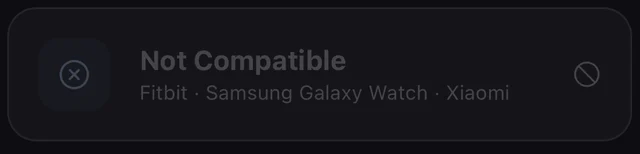
🚫 My watch says “Not Compatible”
Why it happens: Fitbit, Samsung and Xiaomi watches don't broadcast heart rate in the standard Bluetooth format, and don't write to Apple Health in real time. There's no way for any iPhone app to read them live.
- Run on Cadence instead — your phone counts your steps per minute and locks the music to your stride. No hardware at all.
- Or pair any standard Bluetooth chest strap (Polar, Wahoo, Garmin HRM and others) — they work with FLUX regardless of your watch brand.
🎵 No music plays when I start a run
Why it happens: one of two things — there's no active Apple Music subscription (FLUX plays through your Apple Music account, so it's required), or your library is still being tagged and the zones are empty.
- Check that your Apple Music subscription is active.
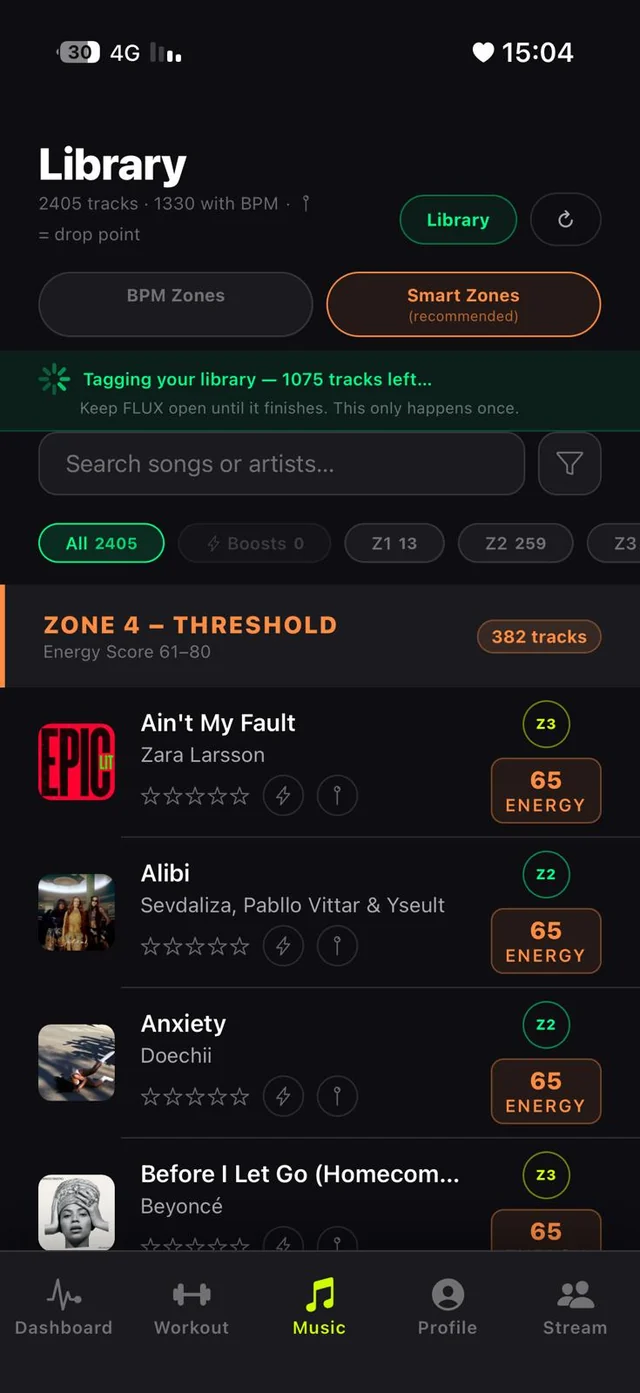
- Open the Library tab. If the green tagging banner is still running — give it a few minutes and keep FLUX open.
- Running Zone Only or Customized? Check the live track count before starting — if it's low, widen your selection.
🔄 My heart rate changed but the song didn't
That's not a bug — that's the engine being smart. FLUX waits until your heart rate holds steady in the new zone for 30 straight seconds before switching tracks. Without it, every hill and traffic light would cut your music mid-beat.
- Hold the effort — if your heart rate stays in the new zone, the switch comes with a crossfade.
- No track from that zone came on? Check the Library — that zone might have few (or no) tagged tracks.
🗺 My run summary has no route map
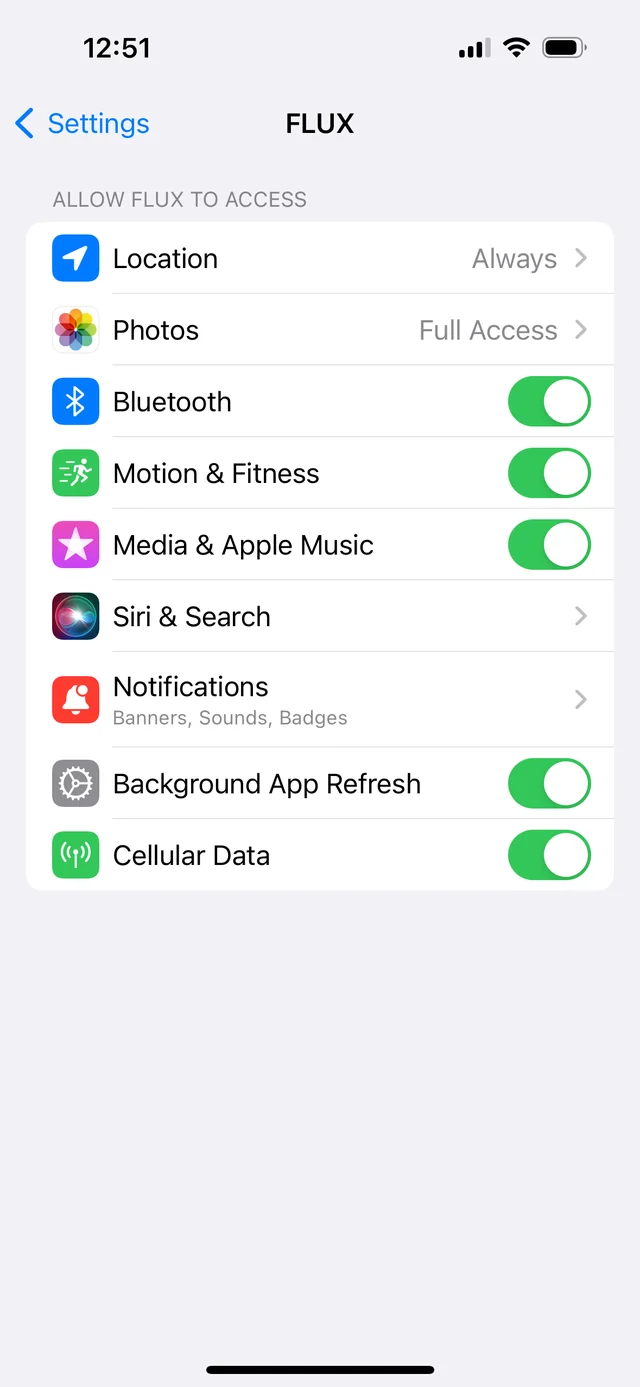
Why it happens: FLUX doesn't have location permission — or has it without Precise Location, which GPS tracking needs.
- Open iPhone Settings → FLUX → Location.
- Set it to While Using the App (or Always).
- Make sure Precise Location is on.